We don't have the ChromeBooks yet, or permissions to use the EasyBib, Jing, Diigo, or YouTube apps that were supposed to be part of the program. Yet, we start the Packet 3 -- Making Notes lessons tomorrow so since the point is to do research using digital tools I am making a work-around.
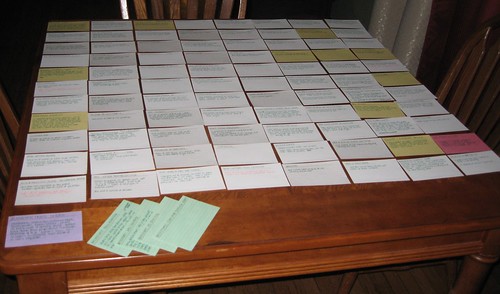
What I've done is prepare another way of doing notes without using index cards.
A Google Doc spreadsheet, along with CitationMachine, can be utilized to align the notes with the source. Sources and notes not as legitimate as others can be highlighted.
 |
| sarahockler.com |
Initially, the student would go to their Drive, click on Create to choose the Spreadsheet option. When it opens it is titled. CitationMachine page is opened for ready use as well. As the student finds sources that look productive, they use the citing page/program to capture the source citation and copy it along with a code into the A column; the in-text citation is shown as well. Then, information from that source can be paraphrased and coded to the A column code to mimic what happens when using the Index Card System: the notes and sources are coded to each other.
Two students who have taken this before, and have used the Index Card method, agree this is much better and are excited to start using it this week.

No comments:
Post a Comment